
Why this prompt works
Use case
Generate a polished SaaS landing-page visual for product marketing, pitch decks, documentation, or design references. Ideal when you need a calm, premium look without noisy UI chrome.
How to use
- Copy the main prompt into your image model.
- Set aspect ratio to 16:9 for desktop hero mockups (or 9:16 for mobile).
- Replace the soft neutral palette with your brand colors if needed.
- Keep product UI inside the mockup simple—avoid dense dashboards.
Expected result
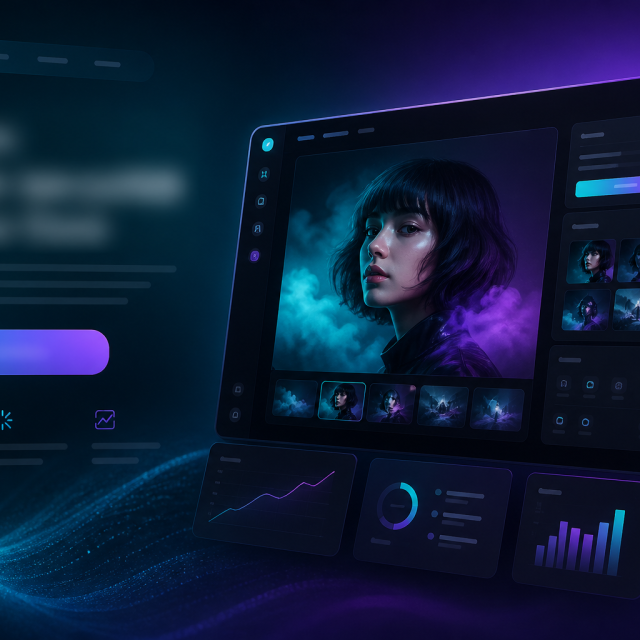
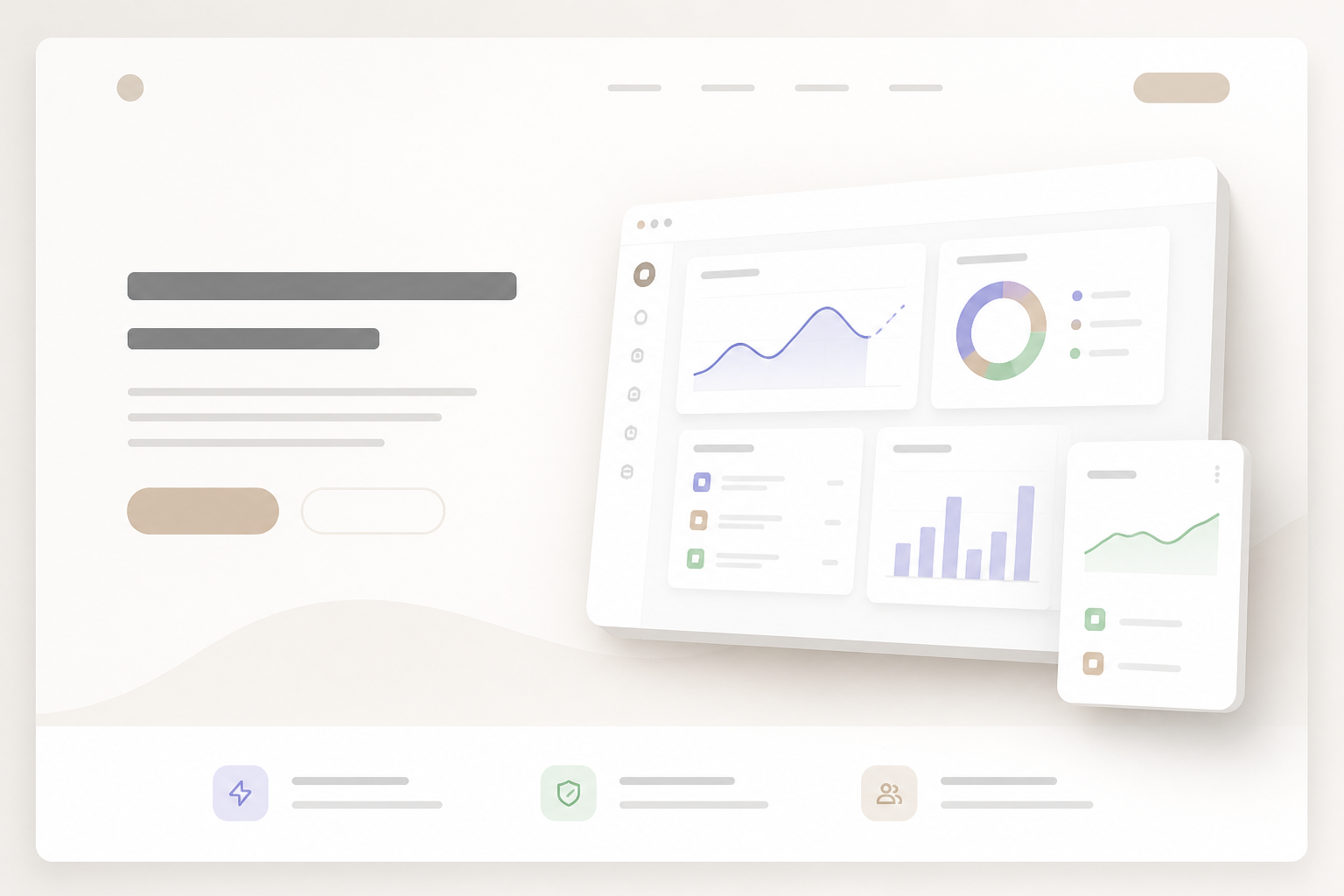
A wide marketing page composition: clear hero headline area, short supporting line, primary CTA, and a floating product screenshot or abstract product panel—large whitespace, soft shadows, modern SaaS aesthetic.
Tips
- Ask the model for “no readable text” or “placeholder text only” if letterforms look broken.
- For variants, change only one variable: background tint, device frame, or illustration style.
- Pair with a matching dashboard prompt if you need in-app screens too.