

Introduction
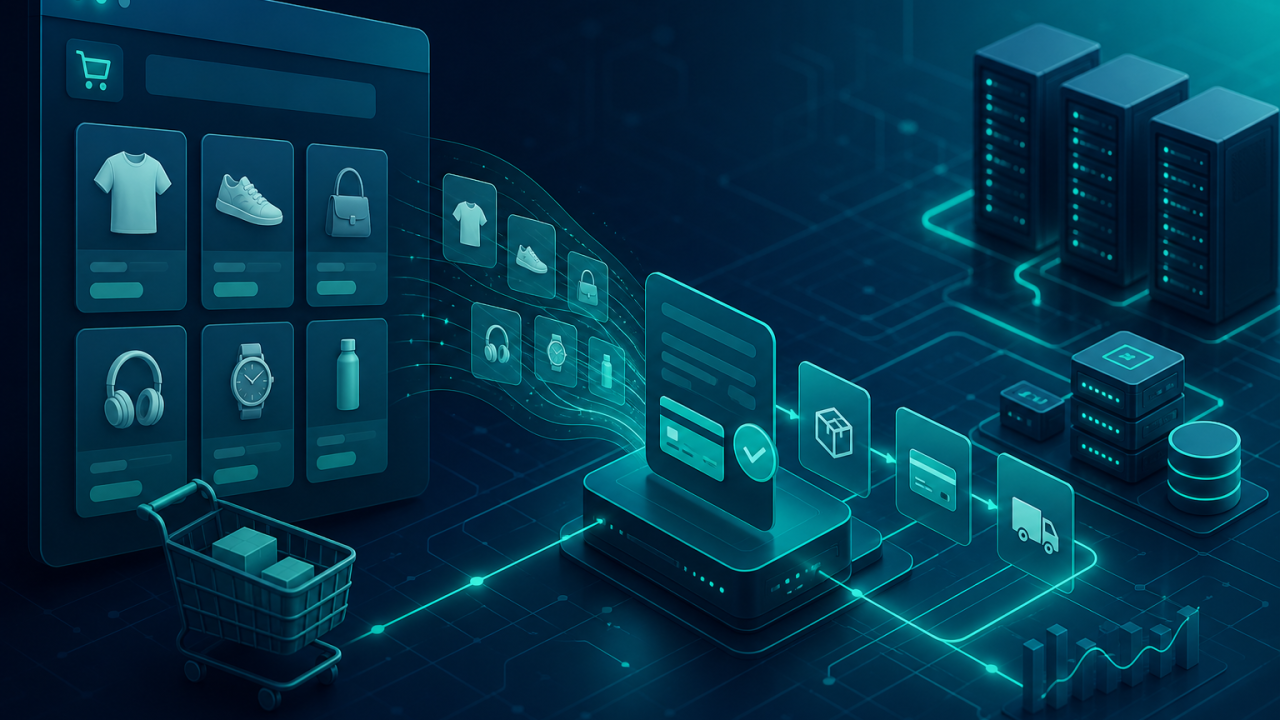
Building a store is not just “add products and checkout.” Real e-commerce needs custom pricing, inventory rules, B2B workflows, payment gateways, shipping logic, admin tools, and integrations with ERP or CRM systems. Off-the-shelf platforms are fast to start—but they often become expensive and rigid once your business rules get specific.
Laravel is a popular PHP framework for this middle ground: you still move quickly, but you keep full control of the domain model. This article explains when Laravel makes sense for an online store and which strengths matter most in practice.
What “e-commerce on Laravel” usually means
There are two common paths:
- Custom store built on Laravel: you design catalog, cart, checkout, and order flows for your business.
- Laravel + an e-commerce package: tools like Bagisto or Lunar give you a commerce foundation, while you still own customization in PHP.
Both approaches benefit from the same Laravel ecosystem: Eloquent, Queues, Events, Notifications, Policies, and a mature package landscape.
Why Laravel fits e-commerce development
1. Flexible domain modeling
Stores rarely stay simple. You may need product variants, bundles, subscriptions, multi-warehouse stock, customer groups, or quote-based pricing. With Eloquent and clean service classes, those rules live in your code—not in a maze of plugin settings.
2. Strong request-to-order pipeline
Checkout is a chain of validations and side effects: stock reservation, payment capture, invoice creation, email/SMS, fraud checks. Laravel’s Form Requests, Events, Jobs, and database transactions help you keep that pipeline explicit and testable.
DB::transaction(function () use ($cart, $payment) {
    $order = OrderFactory::fromCart($cart);
    $payment->capture($order);
    ReserveInventory::dispatch($order);
    OrderPlaced::dispatch($order);
});
3. Background work without blocking shoppers
Order confirmations, PDF invoices, image resizing, marketplace sync, and abandoned-cart emails should not slow down checkout. Laravel Queues let you move that work off the HTTP request so the customer gets a fast response.
4. Security and access control
E-commerce handles money and personal data. Laravel gives you CSRF protection, password hashing, encryption helpers, rate limiting, and Policy/Gate authorization for admin actions (refunds, price edits, coupon management). That does not replace secure coding—but it removes a lot of boilerplate risk.
5. Integrations are first-class
Modern stores talk to payment providers, shipping APIs, SMS gateways, analytics, and accounting tools. Laravel’s HTTP client, Jobs, and scheduled commands make recurring sync jobs and webhook handling straightforward.
6. Admin experience you can shape
Merchants care about operational speed: bulk price updates, order search, returns, and reporting. With Laravel, you can build an admin tailored to how your team actually works—using Filament, Nova, or a custom panel—instead of forcing staff into a generic CMS UI.
7. Ecosystem and hiring
Laravel has a large community, clear conventions, and abundant documentation. For many teams, that means faster onboarding and easier long-term maintenance than a lesser-known custom stack.
When Laravel is the right choice
- Your catalog or checkout rules are too specific for a plug-and-play theme
- You need deep integration with internal systems
- You expect the store to evolve for years, not months
- You have (or can hire) PHP developers who can own the codebase
When you should consider something else
- You need a store online this week with minimal engineering
- You prefer fully managed hosting and app-store plugins over custom code
- Your team has no PHP capacity and does not plan to add it
In those cases, Shopify, WooCommerce, or a hosted headless commerce platform may be a better first step. Laravel shines when customization and ownership matter more than out-of-the-box speed.
Practical architecture tips for a Laravel store
- Keep cart, pricing, and inventory in dedicated services—not Controllers
- Make checkout operations transactional and idempotent where payments are involved
- Use Queues for emails, invoices, and external sync
- Store money as integers (minor units) or carefully designed decimal types
- Write feature tests for cart totals, coupons, and stock edge cases
- Separate storefront and admin concerns early
Conclusion
You should use Laravel for e-commerce when you need a maintainable custom store: flexible products, reliable order flows, background processing, and integrations you control. It is not the fastest path to a generic shop—but it is one of the strongest paths to a store that matches how your business actually sells.
FAQ
Is Laravel only for large stores?
No. Small teams use it for focused stores with unusual requirements. The deciding factor is complexity of business rules, not traffic alone.
Do I need to build everything from scratch?
Not necessarily. Commerce packages and admin panels can accelerate the base, while Laravel remains the customization layer.
Can Laravel handle high traffic?
Yes, with proper caching, queues, database indexing, and horizontal scaling. Framework choice matters less than architecture and ops discipline once traffic grows.